Importing packages in Jupyter notebooks and avoid ImportError

  • 16 Oct, 2020

“ImportError: No module named tensorflow” but you know you installed it? Sometimes you can import packages from the console, but not from the Jupyter notebook? !pip install tensorflow sometimes just does not work?

Googling about similar issues made me realise people are suggesting the thing that won’t work most of the time.

If you are installing packages by running

!conda install tensorflow
# or if you want to use pip
!pip install tensorflow

you are using very fragile commands (if run in notebook) and that’s the reason packages you installed can’t be imported. It is not fine this time

Instead, use these commands:

import sys
!conda install --yes --prefix {sys.prefix} tensorflow
# or if you want to use pip
!{sys.executable} -m pip install tensorflow

and you will not have problems with damn ImportError again.

Found this information on this link https://modelpredict.com/importing-packages-in-jupyter-notebook/
Related Posts

Proud to be an IBM Champion 2021

  • 14 Jan, 2021

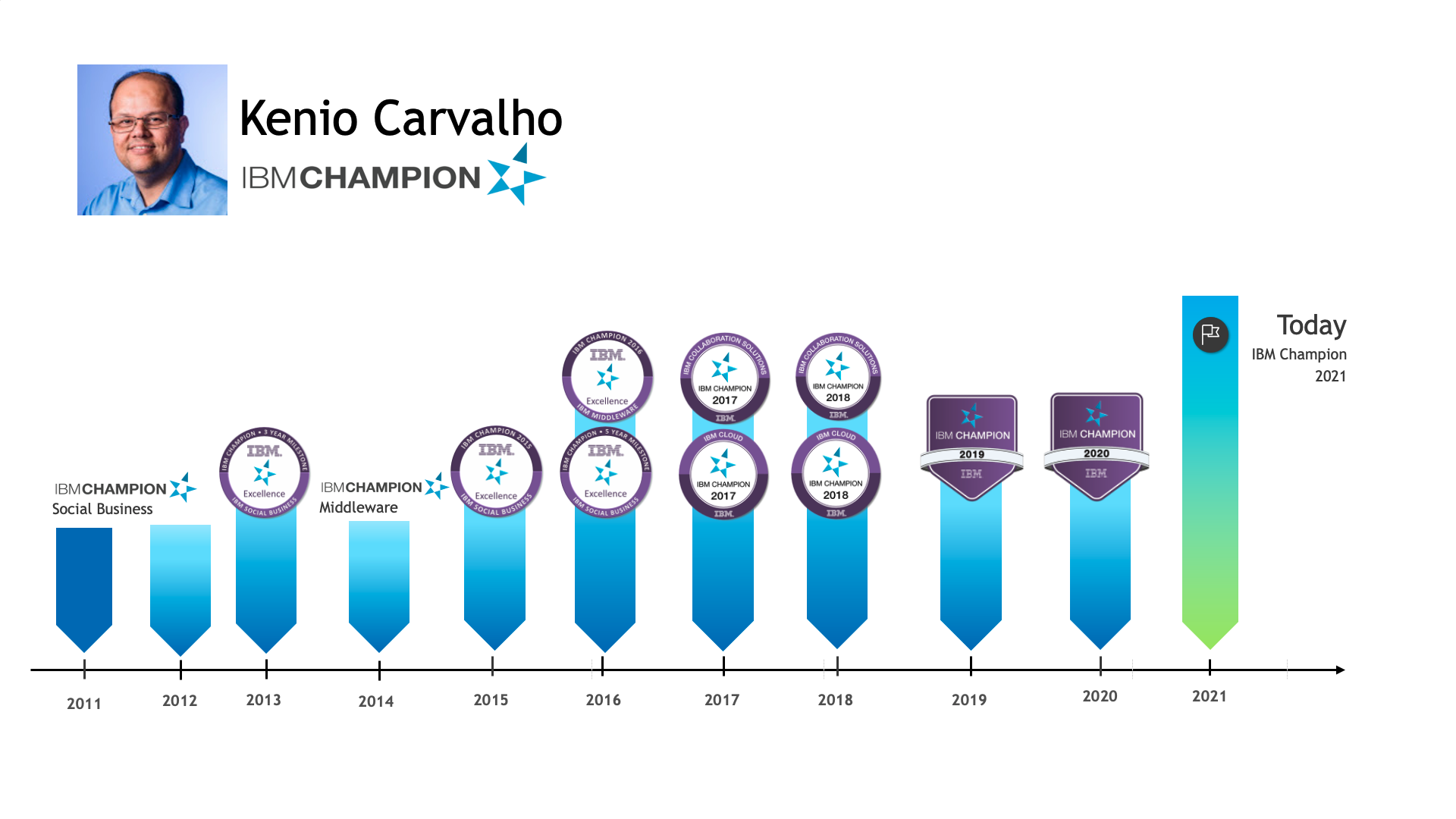
This history began in 2011 when the category IBM Champions for Social Business was created.At that time there were only 50.  During the following years I was also nominated in other categories such as

Proud to be an IBM Champion 2021Read More

AWS Lambda now supports container images as a packaging format

  • 03 Dec, 2020

You can now package and deploy AWS Lambda(https://aws.amazon.com/lambda/) functions as a container image of up to 10 GB. This makes it easy to build Lambda based applications using familiar container

AWS Lambda now supports container images as a packaging formatRead More

VCP Driver for macOS Big Sur 11.0.x not available yet

  • 24 Nov, 2020

With new version of macOS released which is macOS Big Sur 11.0.x, the latest version of our VCP driver for Macintosh OSX (v5.3.5) now becomes incompatible. The reason for this is because of new drive

VCP Driver for macOS Big Sur 11.0.x not available yetRead More